LiveForge · Batch Live Photo Workshop
Create Live Photo assets in batches from images and videos, then bring them to life in iPhone Photos.
Saving to iPhone Photos requires Shortcuts and the Actions app.
Productivity tools
Export documents, check spreadsheets and create media with tools for everyday work.
Create Live Photo assets in batches from images and videos, then bring them to life in iPhone Photos.
Saving to iPhone Photos requires Shortcuts and the Actions app.
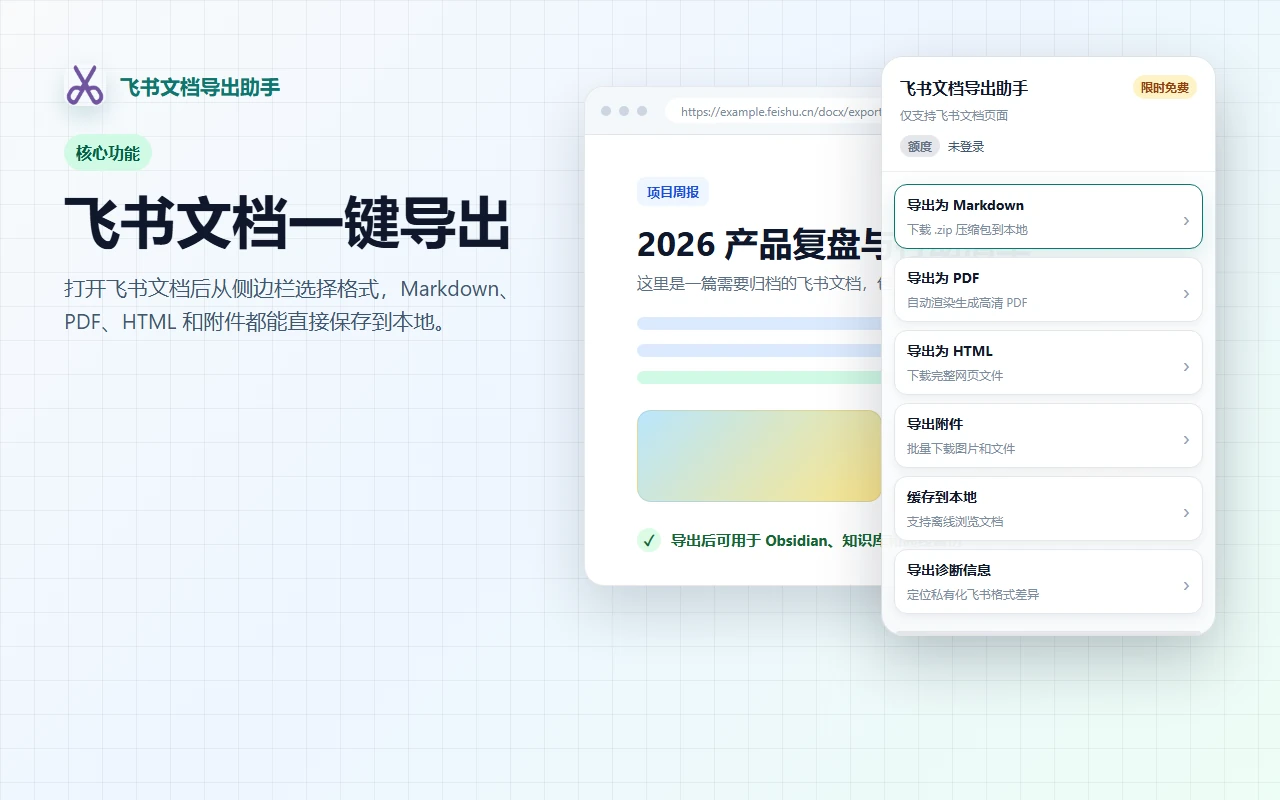
Export Feishu documents as Markdown, PDF, HTML or attachments for later organization, AI reading or knowledge bases.
A personally developed Chrome extension, used through the sidebar on a Feishu document page.
1. Install the extension from the Chrome Web Store. 2. Open a Feishu document and click the extension icon to open the sidebar. 3. Choose Markdown, PDF, HTML or attachments. 4. Wait for the export and save the files locally.
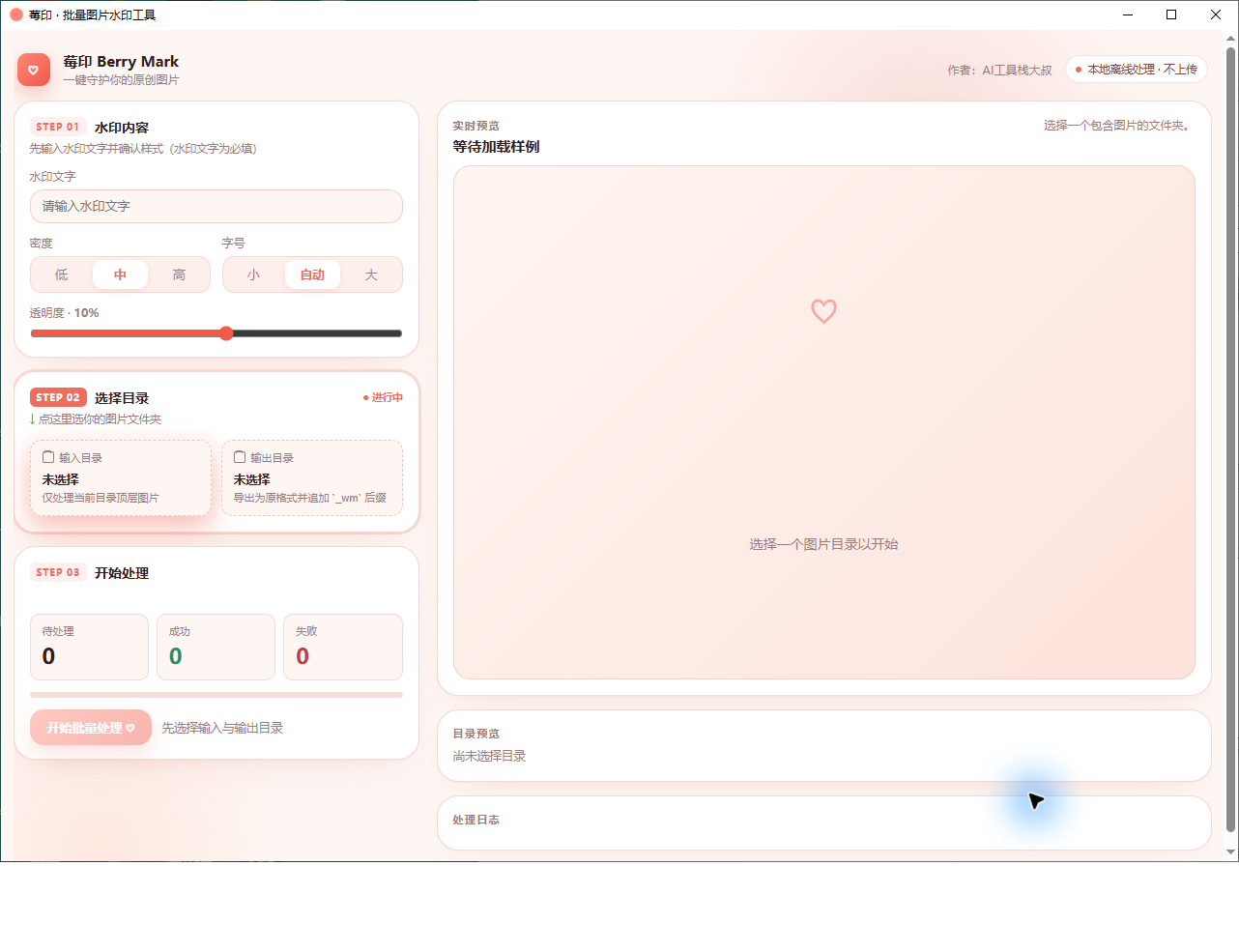
Apply consistent text watermarks to a batch of images to identify work or sources, with a preview before publishing.
Windows desktop app · No public download currently; this version is unsigned.
1. Enter watermark text and adjust density, size and opacity. 2. Choose input and output folders. 3. Preview the watermark on the right. 4. Start batch processing, then inspect the images in the output folder.
Check fields, missing values and duplicates against rules, then export differences for review.
Business productivity tool
Collect accessible public content, keeping media, sources and audio transcripts locally.
Personal local tool